
How Automated Vending Saves Office Management Time
Table of Contents
Where Office Management Time Actually Goes
The hidden hours: stock counts, restock runs, and employee requests
How Automated Vending Inventory Management Removes Manual Counts
Real-Time Vending Inventory Tracking and Automated Restocking Alerts
Office Snack Management Without the Guesswork
What a Smart Vending Machine Automates for Facilities Teams
Cashless payments and access controls
Calculating Time Saved: A Transparent Formula
The formula
Build the baseline
A worked example
Measure after launch
Implementing Automated Vending: A Step-by-Step Guide for Office Managers
Step 1: Audit current refreshment tasks, costs, and demand
Step 2: Define requirements and service levels in writing
Step 3: Select a system and integrate it with procurement and facilities workflows
Step 4: Launch with a short pilot
Step 5: Manage the service after launch
How Automated Vending Saves Office Management Time: Measuring Results
Frequently Asked Questions
Last Updated: October 20, 2026
Where Office Management Time Actually Goes
None look big on their own, but together they eat hours every month, and they almost always land on the office manager who already has a full plate.
At Benny's Vending, we hear this from facilities and office teams constantly. The breakroom is a small part of the job, but it creates a steady drip of interruptions.
The hidden hours: stock counts, restock runs, and employee requests
Manual snack and drink management creates three recurring time sinks:
Physical stock counts. Walking to the machine, opening it, counting rows, writing down what's low.
Restock runs. Ordering supplies, receiving them, and refilling the machine by hand.
Employee requests. Fielding complaints about empty rows, stuck products, or missing favorites.
Each is small, but stacked together they drain the workweek. The fix isn't working harder at these tasks, it's removing them from the office manager's plate entirely.
How Automated Vending Inventory Management Removes Manual Counts
That changes the job. Instead of guessing, the office manager sees data. Instead of counting, they read a report.
Smart vending systems can track real-time inventory levels and send restocking alerts, according to Televend's overview of AI in vending.
What this removes from the calendar:
Routine walk-throughs to check stock
Manual tally sheets and reorder lists
Repeat trips to confirm what's actually low
The result is fewer interruptions and more predictable restocking, the difference between reactive firefighting and a breakroom that mostly runs itself.
Real-Time Vending Inventory Tracking and Automated Restocking Alerts
Real-time vending inventory tracking is the feature that makes the rest work: a live feed of what's in the machine, what sold, and what's running low.
Here's how it plays out in practice. A row of cold brew hits its low threshold. The system flags it.
That flow replaces manual checking and cuts down on the two failure modes offices hate most: empty rows and overstocked rows that sit until they expire.
A common mistake is treating every alert the same. Set thresholds by product, not by machine. Fast movers need tighter limits than slow ones.
Pro Tip Ask your provider how alerts are configured before you sign. The best systems let you set different low-stock thresholds per product, so popular items trigger restocking sooner than slow sellers.
Office Snack Management Without the Guesswork
Office snack management usually runs on guesswork. Someone assumes employees want granola bars. They buy a case. Half of it sits there for months.
Sales data ends the guessing.
What the data reveals tends to surprise people:
Which items sell out first, and which never move
Whether demand spikes mid-morning or mid-afternoon
Which products vary by day of the week
With that picture, product selection gets sharper. You stock what people actually buy. Waste drops.
The office manager stops being a snack psychic and starts working from facts.
What a Smart Vending Machine Automates for Facilities Teams
A smart vending machine handles far more than dispensing, automating the monitoring, reporting, and payment tasks that used to fall on facilities staff.
For facilities teams, the value is visibility: equipment monitoring and maintenance alerts flag issues before they become complaints, sales data feeds planning, and product availability stays consistent.
Benny's Vending builds this into our AI-powered smart stores and micro-markets. Real-time inventory tracking and data-driven restocking do the monitoring.
Cashless payments and access controls
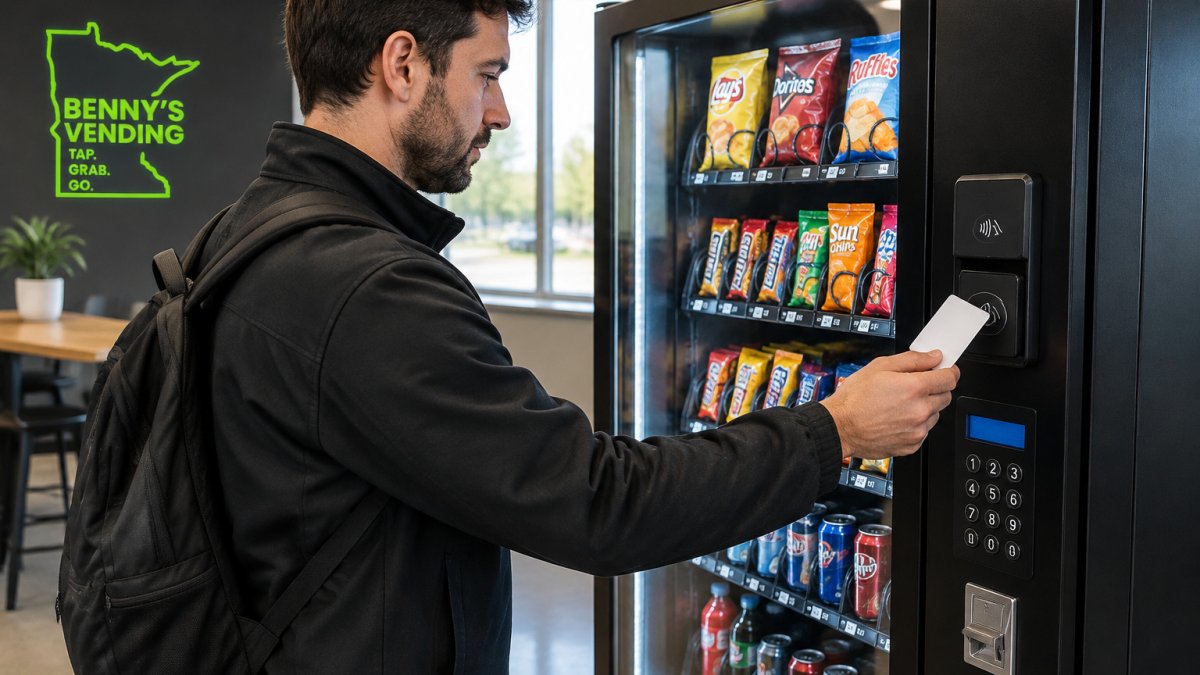
Cashless payment is the quiet time-saver. Employees tap, grab, and go. No fumbling for change, no waiting in line, no cash handling for your team.
InReach's guide to modern vending features notes that cashless payments let employees buy quickly and get back to work.
Access controls add another layer for facilities teams. They help manage who can use the machine and how purchases are tracked, which matters in shared or restricted spaces.
Calculating Time Saved: A Transparent Formula
Most articles say automated vending saves time but never show how to prove it. "Time saved" stays a slogan unless you count the specific tasks, measure them before and after, and subtract the new work automation adds. Here is a transparent framework to run before you commit and again after launch.
The formula
Monthly time saved = (hours on counts + hours on restock runs + hours on employee requests + hours on stockout firefighting) − (hours reviewing reports + hours on exceptions + hours on vendor management)
The left side is the manual work automation removes. The right side is the new work automation adds. Both matter. A system that eliminates counting but creates a weekly invoice dispute has not saved as much as the brochure claims.
Build the baseline
Work through it with your own numbers, task by task:
List every snack and drink task your team handles in a week. Counts, ordering, receiving, refilling, complaint handling, trips to a store, and time spent hunting down why a row is empty.
Estimate hours per task. Be honest. Include the interruptions and the context-switching cost, not just the task itself.
Multiply by weeks per month. That is your baseline.
Estimate the automated side. Report reviews, exception handling, and vendor coordination only.
Subtract. The gap is your time saved.
A worked example
Numbers vary by office size, so treat this as an illustration of the method, not a benchmark. Suppose a 150-person office logs this in a typical month:
Task | Manual (hours/month) | Automated (hours/month) | Time Freed |
Physical stock counts | 6 | Near zero | ~6 |
Restock runs and receiving | 8 | Provider-handled | ~8 |
Employee requests and complaints | 5 | Fewer, data-backed | ~3 |
Stockout firefighting | 4 | Alert-driven | ~3 |
Report review | None | 1 | −1 |
Exception handling | None | 1 | −1 |
Vendor management | None | 1 | −1 |
Net | 23 | 4 | ~19 |
Run the same table with your own hours. The point isn't the specific number, a transparent calculation beats a vague promise every time and gives you a defensible figure for budget conversations.
Measure after launch
Track results the same way you built your baseline: count the hours your team spends on snack and drink tasks after the switch, then compare month over month. Watch for signals that confirm the savings are real:
Fewer interruptions during the workday
Fewer employee complaints about empty rows
Less waste from overstocked products
If the after-numbers don't beat the baseline, the problem is usually configuration, not the concept. Loose thresholds, a product mix that doesn't match demand, or unclear alert ownership all erode savings, fix those before concluding automation didn't work.
Key Takeaway The time-saving claim is only as strong as your baseline. Log the manual tasks for a month before you switch, then measure the same tasks after. That comparison, not a vendor brochure, is what proves the value. ::: Refining these operational metrics often reveals that even small adjustments to office infrastructure, such as adopting time-saving brew methods, contribute significantly to the overall reduction in daily administrative overhead. Implementing Automated Vending: A Step-by-Step Guide for Office Managers An office manager in a modern breakroom reviewing a tablet next to a sleek vending machine, with a colleague grabbing a snack in the background Most guides stop at "pick a vendor and plug it in," skipping what office managers actually have to run: assessing needs, choosing a system that fits procurement and facilities workflows, launching without disrupting the breakroom, and managing service after the honeymoon phase. Step 1: Audit current refreshment tasks, costs, and demand Before you talk to a vendor, build a baseline. Write down every snack and drink task, who counts stock, orders, receives deliveries, refills, handles complaints, and how long each takes, noting hours per week and the person responsible. Then capture demand. A two- to four-week log of what sells, runs out, and gets requested tells you more than any vendor pitch. Pull existing sales or restock records, or use a clipboard tally or shared spreadsheet. Step 2: Define requirements and service levels in writing Decide what "good" looks like before you shop. At minimum, settle these questions: Product mix. Which categories matter most (snacks, cold drinks, coffee, fresh food), and which specific favorites cannot disappear? Footprint and power. Where will the machine or micro-market go, and does that spot have the power and clearance it needs? Payment. Cashless only, or cash plus card? Does the office need account-based access for restricted areas? Put service levels in writing. Restock frequency, repair response windows, and escalation contacts should be part of the agreement, not a verbal promise. Skipping the service-level conversation is the most common mistake. If restock and repair response times aren't agreed in writing, you'll find out the hard way during your first busy week. Step 3: Select a system and integrate it with procurement and facilities workflows Match the system to how your office already buys and maintains things. Confirm who approves restocking charges, how invoices are submitted and coded, whether purchases run through a PO or corporate card, and how maintenance requests reach your facilities ticketing system. Compare total cost, not just the machine price: equipment, service, software, product costs, and the labor hours you expect to free up. A system that looks cheap up front but generates monthly invoice headaches isn't cheaper. Step 4: Launch with a short pilot Run the new setup for four to six weeks before declaring victory. Keep the baseline handy and track the same tasks from Step 1. Watch for early failure modes, rows emptying faster than expected, products that never move, payment hiccups, alerts firing too often or too late, and adjust thresholds and product mix based on what the pilot reveals, not assumptions. Step 5: Manage the service after launch Ongoing management is lighter than manual vending, but it is not zero. Assign one owner for alerts and escalations, review reports on a set cadence (monthly is typical), and revisit product mix quarterly. Keep a short log of exceptions, missed deliveries, and complaints so you have evidence if service levels slip. That log is also your best tool at renewal time. Ask your provider how alerts are configured before you sign. The best systems let you set different low-stock thresholds per product, so popular items trigger restocking sooner than slow sellers.
How Automated Vending Saves Office Management Time: Measuring Results
Automated vending saves office management time by removing manual counts, restock runs, and guesswork from the job. The proof shows up in your calendar.
Track results the same way you built your baseline. Count the hours your team spends on snack and drink tasks after the switch.
What to watch:
Fewer interruptions during the workday
Fewer employee complaints about empty rows
Less waste from overstocked products
The global vending market was valued at $75.0 billion in 2025 and is projected to reach $77.7 billion in 2026, according to Grand View Research's retail vending market report.
If you're tired of the breakroom eating your week, we can help.
Frequently Asked Questions
How can automated vending reduce office management tasks?
Automated vending cuts the recurring tasks that eat office management time: physical stock counts, restock runs, and fielding employee requests about missing items. Telemetry tracks real-time inventory levels and sends low-stock alerts, so restocking happens on a schedule instead of by guesswork. Cashless payments remove coin handling and refund requests. The result is fewer interruptions and more predictable replenishment, which frees managers to focus on higher-value work.
Can smart vending track inventory in real time?
Yes. Smart vending systems use telemetry and connected sensors to monitor stock levels continuously. They can send automated restocking alerts when products run low and provide historical sales data to inform future orders. This real-time vending inventory tracking replaces manual counts and helps prevent stockouts without adding administrative work. Many systems also flag maintenance issues, so equipment problems are addressed before they cause downtime.
How does automated vending make restocking more efficient?
Automated vending inventory management generates pick lists based on actual usage, so service teams bring only what is needed. Route planning tools group nearby machines into efficient service routes, reducing refill time. Low-stock alerts trigger replenishment before shelves empty, which cuts emergency trips. Over time, historical sales data refines demand forecasting, so restocking frequency matches real consumption patterns rather than fixed schedules.
What office tasks can a smart vending system automate?
A smart vending machine can automate inventory tracking, low-stock alerts, restocking notifications, and payment processing. It can also handle equipment monitoring and maintenance alerts, and provide sales data for demand forecasting. For office managers, this means fewer manual counts, fewer employee requests for snacks and drinks, and less time spent reconciling cash. Some systems integrate with procurement workflows, so replenishment and reporting happen with minimal oversight.
Request a Machine
Comments